1.Click the Wi-Fi icon in the top-right corner and select Other Network.
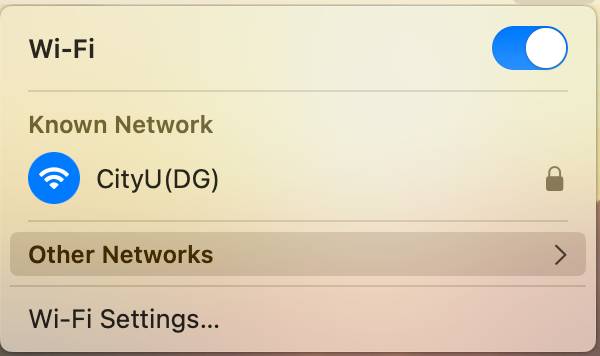
2.Continue to select Other.
3.Enter “CityU(DG)” as the network name, select WPA2 Enterprise for security type, and enter your personal network account and password.
4.Choose Continue when prompted to verify the certificate, and the Wi-Fi connection will be successful.